

The "Enable Old Eri" Patch for NTR idol: Déjà Vu/《NTR偶像: Déjà Vu》「舊版艾莉」補丁
🔽Download
MEGA:https://mega.nz/folder/Sd9hGBAQ#DQ9mDL-yLTZ5HYgfS1DiLA
百度: https://pan.baidu.com/s/1MxeDCDvYUxLVVciBW6mCMw 提取码: HYSJ
【Patch Notes】
- This patch adds the "Enable Old Eri" feature, allowing you to play the game using Eri's character model from "NTR Idol: Promise of Dreams".
- After downloading, please follow the instructions provided in the 3 included guide images to apply the patch.
[July 21 Update]
Added the complete "Old Eri" content pack.
After installing the patch, you can freely switch to experience the full content for both Old Eri and Old Harry—including the complete story, interactive minigames, H-scenes, CGs, and all related images.
【補丁說明】
- 此補丁將提供「更換為舊版艾莉」功能,讓你可以用《NTR偶像-夢想的約束》的艾莉造型進行遊玩。
- 請於下載後依照內附說明圖片/文件的指示進行操作。
[7/21 更新]
新增「舊版艾莉」完整內容包。
安裝補丁後,可自由切換體驗舊版艾莉與舊版哈里的完整內容,包含劇情、互動小遊戲、H 場景、CG 與相關圖片等完整遊戲內容。

《绯月仙行錄》補丁 v0.46 (更新時間:6/3)
1、MEGA:https://mega.nz/file/X5IglLLA#NYvxHMeLoKxwhsqD8GxspnPoO-M3W-LsUhW57OUUMNw
2、百度:https://pan.baidu.com/s/1QB3XGEX8ydsDlmM2S5B9ew 提取码: zmmh
3、微云:https://share.weiyun.com/i4xoV299
解壓縮密碼:2026(請至 Steam 遊戲安裝資料夾中替換對應資料夾)
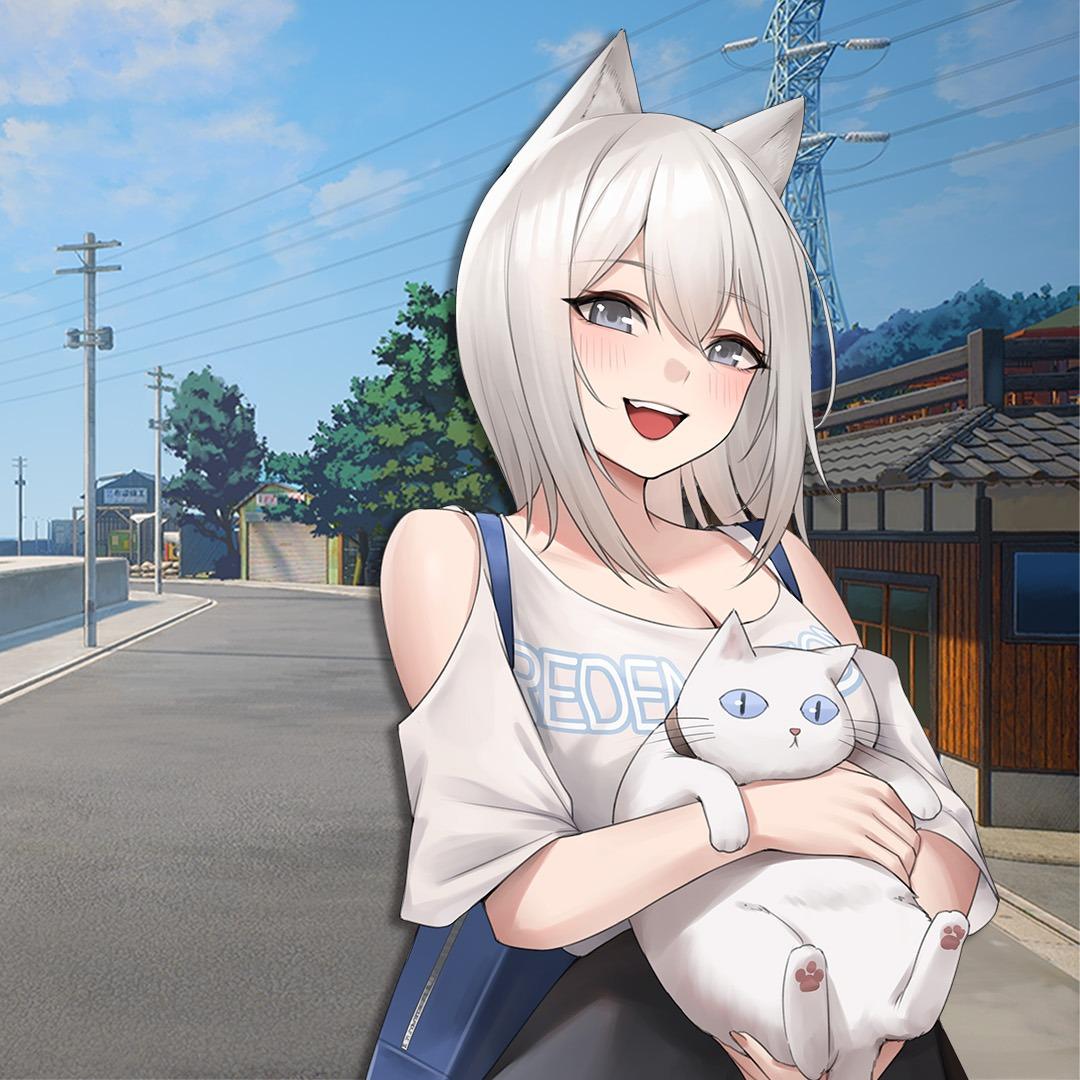
貓島雨香 - R18 DLC
[下載連結]
https://pan.baidu.com/s/1WDmOGy_TyllncgjZzqj6EA 提取码: HYSJ
[補充說明]
- 請參照下載檔案中的 txt 檔說明文件進行安裝。
- 此補丁與 Steam 商店免費提供之 R18 DLC 內容相同,建議優先從 Steam 安裝,已安裝者毋須另行下載。

Patches for The Holy Swords-Combatant Factory (聖剣戦隊-戦闘員が潜入する洗脳の罠)
《聖劍戰隊 戰鬥員潛入的墮落陷阱》(聖剣戦隊-戦闘員が潜入する洗脳の罠) 更新檔/補丁
📌How to Install Patches
[Method 1] Place directly in the game folder
- Copy "聖劍戰隊_CG補丁.exe" into the main game folder.
- Double-click to run it.
[Method 2] Extract ZIP to the game folder
- Extract the entire patch folder into the main game folder.
- Open the patch folder and double-click "聖劍戰隊_CG補丁.exe".
【Folder Structure Examples】
✓ Correct:
Game Folder/
├── www/
├── package.json
└── 聖劍戰隊_CG補丁.exe ← Placed directly here
✓ Correct:
Game Folder/
├── www/
├── package.json
└── Patch_Folder/
└── 聖劍戰隊_CG補丁.exe ← Also works in a subfolder
✗ Incorrect:
Desktop/聖劍戰隊_CG補丁.exe ← The patch cannot find the game here
【Important Notes】
- The patch automatically detects the game directory (based on the EXE's location or 1–2 directory levels up).
- The first startup may take a few seconds to load; please be patient.
- This patch will directly overwrite the original CG files.
- If you need to restore the original files, please reinstall the game.
【Content】
- This patch replaces 174 CG images.
--
【方法一】直接放入遊戲資料夾
1. 將「聖劍戰隊_CG補丁.exe」複製到遊戲資料夾內
2. 雙擊執行即可
【方法二】解壓 ZIP 到遊戲資料夾
1. 將整個補丁資料夾解壓到遊戲資料夾內
2. 進入資料夾,雙擊執行「聖劍戰隊_CG補丁.exe」
【資料夾結構範例】
✓ 正確:
遊戲資料夾/
├── www/
├── package.json
└── 聖劍戰隊_CG補丁.exe ← 直接放這裡
✓ 正確:
遊戲資料夾/
├── www/
├── package.json
└── 補丁/
└── 聖劍戰隊_CG補丁.exe ← 在子資料夾也可以
✗ 錯誤:
桌面/聖劍戰隊_CG補丁.exe ← 這樣找不到遊戲
【注意事項】
• 補丁會自動偵測遊戲目錄(EXE 位置或上一、二層)
• 首次啟動可能需要幾秒鐘載入,請耐心等待
• 此補丁會直接覆蓋原始 CG 檔案
• 如需還原,請重新安裝遊戲
【替換內容】
本補丁替換 174 張 CG 圖片
🔽Download
MEGA:https://mega.nz/folder/fI1nxarR#RM_SGf7_x0dFAkG-UzBEHQ

Patches for NTR Idol
《NTR偶像》更新檔/補丁
📌How to Install Patches
[Method 1]
Open your game's installation directory and go into the Windows folder.
Go back to the previously unzipped patch folder and copy all the files inside into the Windows folder.
Then, double-click install_files.bat and wait for it to finish running to complete the installation.
[Method 2]
Open your game's installation directory and follow this path: Windows\NTR_IDOL\Content\Paks to enter the Paks folder.
Go back to the previously unzipped patch folder and copy all the .pak files inside into the game's Paks folder. The installation is now complete.
【方法一】
打開你的遊戲安裝資料夾,進入 Windows 後,回到剛才解壓縮的資料夾,將裡面的所有檔案複製到 Windows 資料夾內;
接著雙擊 install_files.bat ,等它跑完就安裝完成了。
【方法二】
打開你的遊戲安裝資料夾,按照以下路徑 Windows\NTR_IDOL\Content\Paks 進入 Paks 資料夾;
回到剛才解壓縮的資料夾,將裡面的所有 .pak 檔案複製到遊戲的 Paks 資料夾內,安裝完成。
🔽Download
Saikey: https://saikeystudios.com/patches/
MEGA:https://mega.nz/file/aF8HGayR#RgxsZ3d0HkhzXNNJyCeaTQRcfIdB65Lz4QPN-CzZGR4
百度: https://pan.baidu.com/s/1wgQ4BGW71Z_6AA3w-7QG_g
提取碼:HYSJ

Patches for Taiwan Love Story⁵
《台灣戀愛物語⁵》更新檔/補丁
📌How to Install Patches
1. Please at least run the game once to ensure the integrity of the game.
2. Close both the game and the Steam client APP.
3. Run the patch installer "Patch Installer.exe" and follow the instructions to install the patch.
1. 請先執行過一次遊戲,確定遊戲本體沒有問題。
2. 關閉遊戲與 Steam 客戶端程式。
3. 執行本壓縮檔內的安裝器「Patch Installer.exe」,按照指示安裝。
🔽Download
MEGA:https://mega.nz/file/KNVGHagb#GoBsE9Weif6BCaPr6pd8AM6335arVzSNHkhd7SEV7eA
百度:https://pan.baidu.com/share/init?surl=lDqTW22jmHOT9B-jYyqamw
提取碼:HYSJ

Patches for Guardians of Eden
《伊甸守護者》更新檔/補丁
Patch Contents: Changed [Tamamo] to a flat chest; players are free to use this patch according to their preference.
(Updated 2026.09.15: Made corresponding adjustments to the game's ending video as well)
補丁內容:將【玉藻】改為貧乳,玩家可根據喜好自行取用。
(2026.0915 更新:將遊戲結尾影片也進行相應調整)
📌How to Install Patches
Installation:
1. Please at least run the game once to ensure the integrity of the game.
2. Close both the game and the Steam client APP.
3. Run the patch installer "Patch Installer.exe" and follow the instructions to install the patch.
1. 請先執行過一次遊戲,確定遊戲本體沒有問題。
2. 關閉遊戲與 Steam 客戶端程式。
3. 執行本壓縮檔內的安裝器「Patch Installer.exe」,按照指示安裝。
🔽Download
MEGA:https://mega.nz/folder/HA9HHSpJ#PgCUkGS2VhmnsbqCC7Qjvg
百度:https://pan.baidu.com/s/17iC7CBijbvQG21LCEehR3g
提取碼:HYSJ

Patches for Waifu Fighter -Family Friendly
《女拳主義F-ist!一般向版》更新檔/補丁
📌How to Install Patches
1. Replace the folder "package.nw" in the game's root directory.
2. The path should be C:\Program Files (x86)\Steam\steamapps\common\女拳鬥士F-ist
3. If you've changed the installation path for your Steam games, you can access the game's root directory by right-clicking on the game name "Waifu Fighter" in your library, selecting "Manage" from the opened menu, and using "Browse local files" to locate the game's root directory.
1. 將解壓縮後內的資料夾 package.nw 覆蓋遊戲根目錄內的package.nw
2. 路徑應為 C:\Program Files (x86)\Steam\steamapps\common\女拳鬥士F-ist
3. 若有變更過 Steam 遊戲安裝路徑,可透過收藏庫,右鍵點選【Waifu Fighter】遊戲名稱,從打開的「manage」選單中,透過「Browse local files」找到遊戲根目錄。
🔽Download
MEGA:https://mega.nz/folder/WUEjXJoD#lG_Qyvvkm_7lE6f5q58huw/file/6BlhgbjL
百度:https://pan.baidu.com/s/1x5aVPoCWvYRVjKeVH_tnpg
提取碼:HYSJ
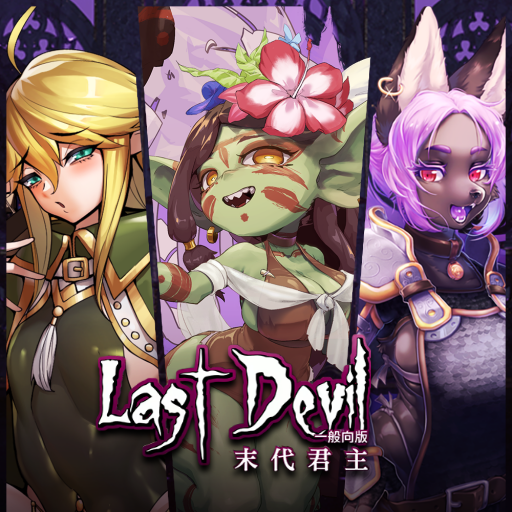
Patches for Last Devil - Family Friendly
《末代君主一般向》更新檔/補丁
📌How to Install Patches
1. Place the downloaded compressed file "aa.rar" inside the Steam game folder: The path should be: Steam\steamapps\common\Last Monarch\Last Monarch_Data\StreamingAssets\aa
2. Extract the files into the "aa" folder.
1. 將下載的壓縮檔【aa.rar】,放進Steam的遊戲資料夾內,路徑應為: Steam\steamapps\common\Last Monarch\Last Monarch_Data\StreamingAssets\aa
2. 將aa壓縮檔,解壓縮至該aa資料夾內
🔽Download
MEGA:https://mega.nz/folder/jUdUgRxa#feZmg3TYob4T0cX1edOXPA
百度:https://pan.baidu.com/s/14xH-MpUYewL35RlKMe5x7g
提取碼:HYSJ